Printer Services
Printer Setup & Configuration for Your Office
Get a printer connected and working correctly the first time — wired, wireless, or shared across an office network.
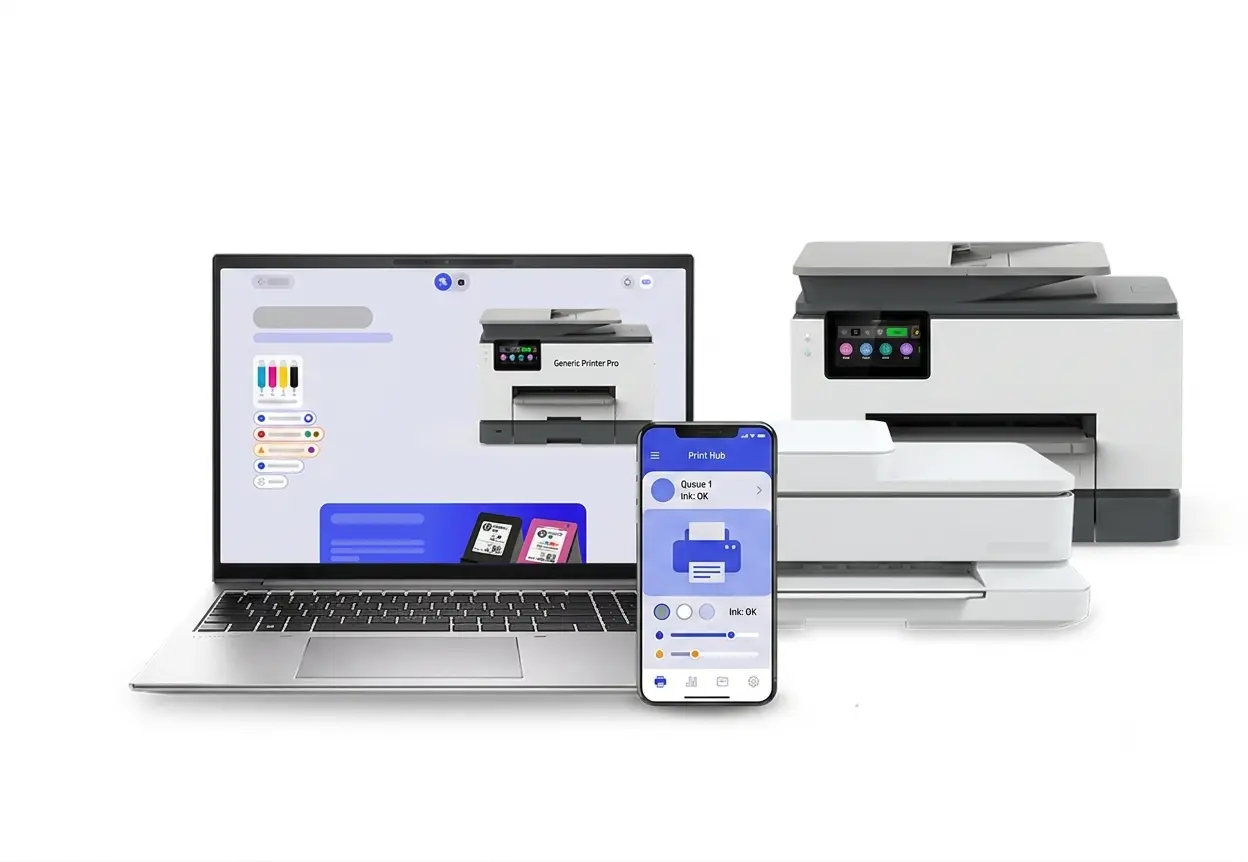
Get a printer connected and working correctly the first time — wired, wireless, or shared across an office network.
ProBizITService provides printer setup, installation, and configuration services for home offices and business environments. Whether you're connecting a single desktop printer or configuring a shared printer across an office network, we handle the setup so it works correctly from the start.
We work with a wide range of printer models and connection types — USB, wireless, and network-shared — and focus on getting the printer talking to your computers reliably, rather than a one-size-fits-all fix.
Unboxing, physical setup, and first-time configuration for a new printer.
Connecting a printer to your Wi-Fi network so it works without a cable.
Installing and configuring the correct software so your computer recognizes the printer.
Sharing one printer across multiple computers on your office network.
Every printer model is a little different, so treat this as a general overview of what's involved rather than model-specific instructions. If you'd rather not do it yourself, this is exactly the kind of job we handle as a service.
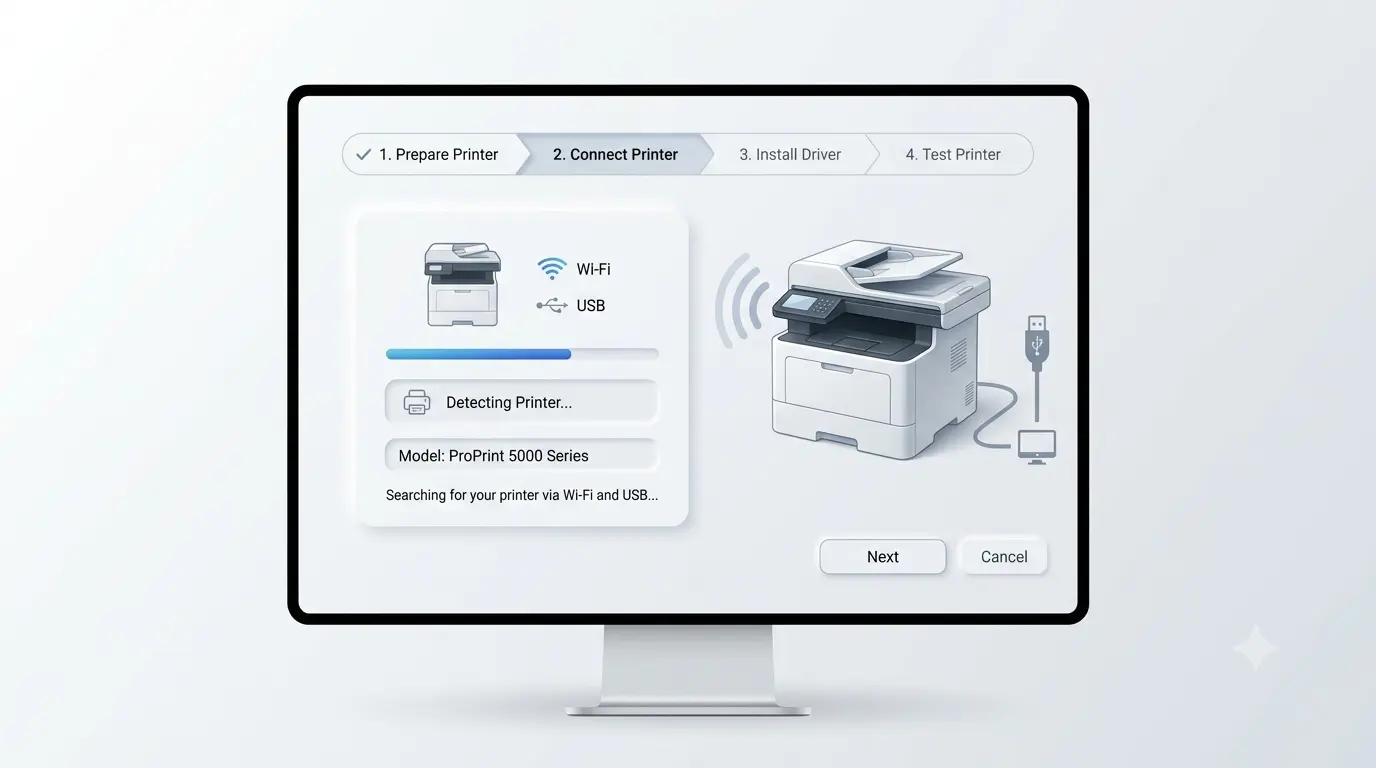
Unbox the printer, remove any shipping tape or packaging inside the unit, and install the ink or toner cartridges. Plug it into power and turn it on.
Choose your connection type — USB cable for a direct connection, or Wi-Fi if you want the printer to work wirelessly from multiple devices. Follow the printer's on-screen menu to join your Wi-Fi network if applicable.
Install the software your computer needs to communicate with the printer. Most modern printers are detected automatically, but a manufacturer-provided driver is sometimes required for full functionality.
Print a test page to confirm everything is working. If print quality looks off or the printer isn't detected, that's usually a connection or driver issue rather than a hardware problem.